
Arabic
Updating a game engine to support rendering text for right-to-left languages like Arabic.2/27/2018Let's start with English first and what we already know. English is read from left-to-right(LTR) and when reading the data from a text file the characters will be in the same order. The English alphabet has 26 lowercase and 26 uppercase characters. There are contractions like "don't" from "do not" but contractions are optional.
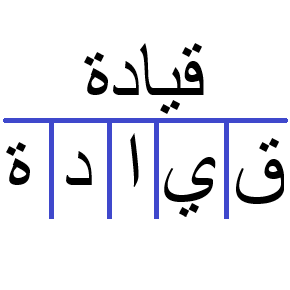
Arabic is read right-to-left(RTL) but the order of the data in memory doesn't change. Arabic has many more characters than English. These characters are referred to as "glyphs". Each glyph that displays is dependent upon the glyphs around it. This is joining.
Arabic joining glyphs come in four forms: isolated, initial, medial, and final.
- Isolated: displays when not joining on either side.
- Medial: displays when joining in both directions.
- Initial: displays when joining to the left but not right.
- Final: displays when only joining to the right.
Joining reminds me of English contractions but joining is not optional. Another difference is that the Unicode values from the text file will not give you the value of the joining glyphs. The values in the text file are for what I like to call the root glyphs. We start with the root glyph and determine which joining glyph to display depending on the root glyphs surrounding it. The Arabic Shaping link below contains data about which glyphs join and in what fashion.
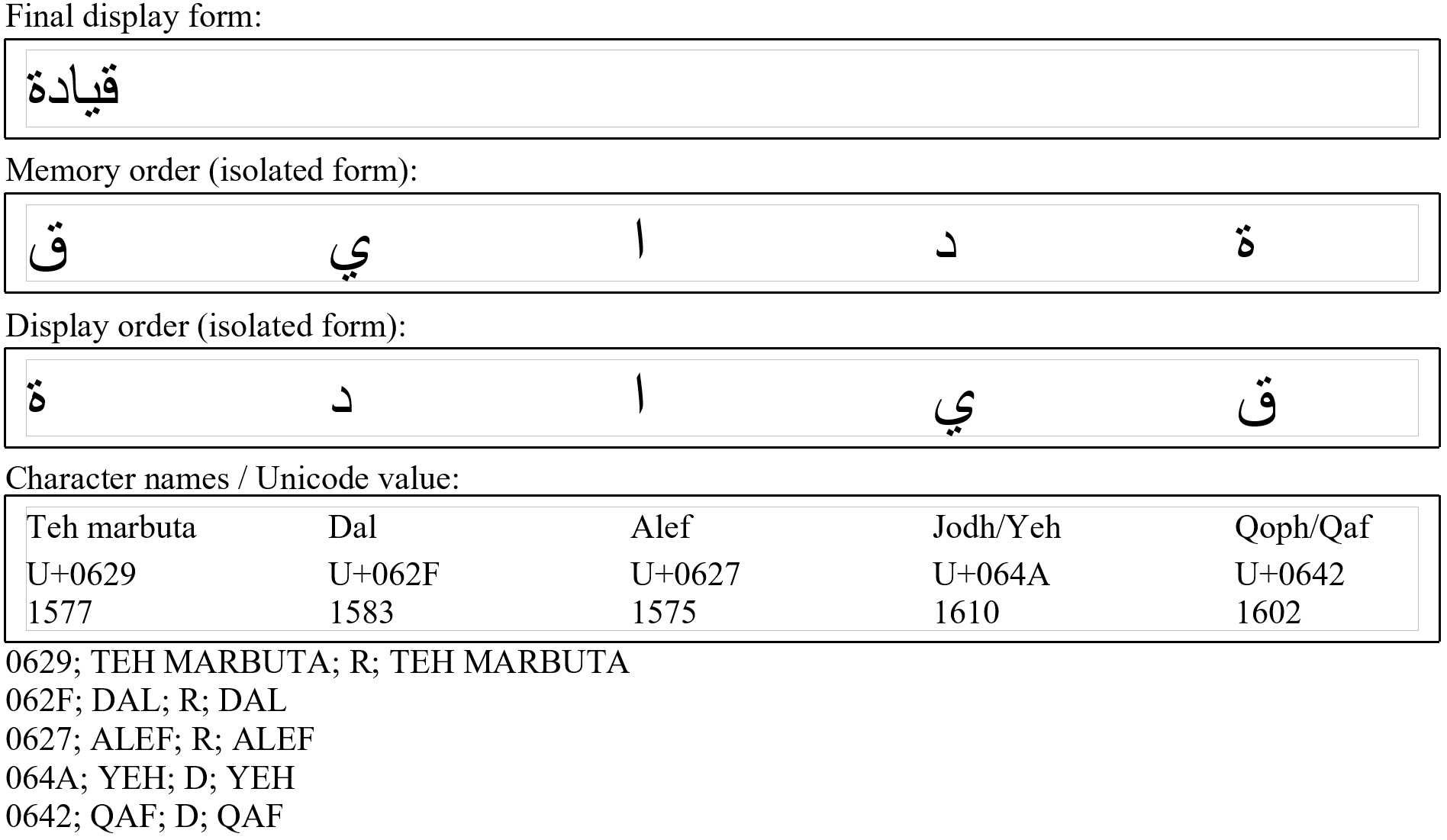
The Arabic Shaping file contains everything you need for determining joining but I recommend that you process it ahead of time and to create a lookup for use within your program/game for better performance. This is exactly what I did. I wrote a small C# utility that opened the ArabicShaping.txt file and generated an INI file for faster lookup at runtime.
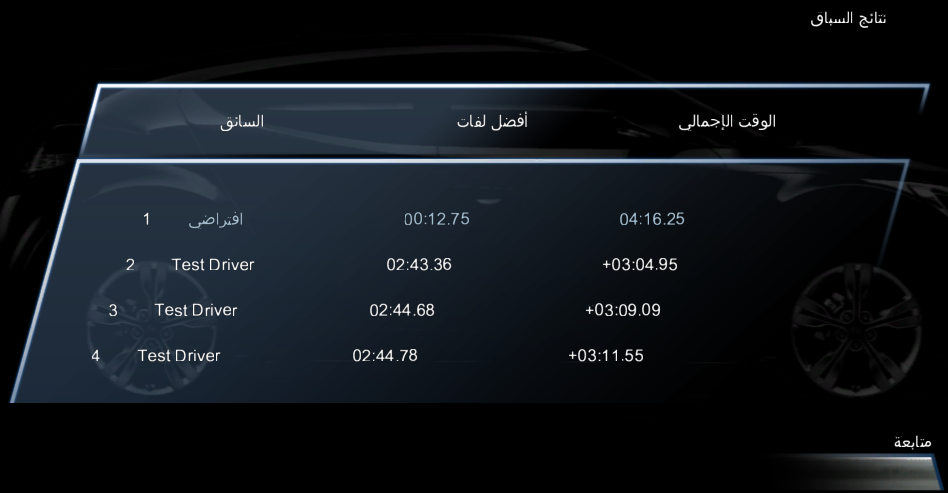
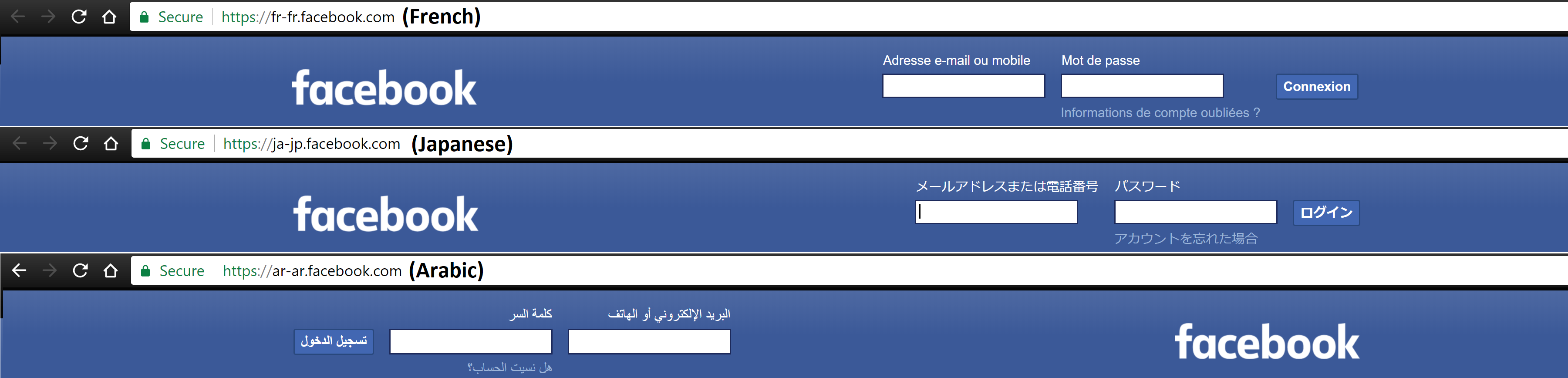
At this point things were looking good. The next problem to tackle was mixing this RTL language with characters from a LTR language. It would look funny if an advertisement for Hyundai in Arabic wrote "Hyundai" as "iadnuyH". Since the string "Hyundai" doesn't change its order in memory then we have compensate in how we render it. Also, we wouldn't want to just re-order the characters because it would invalidate any kerning info. My solution was to measure how much space the string was going to occupy, offset our rendering cursor's X-position by that amount, and reverse our rendering direction from RTL to LTR.
What we just covered was one depth of reordering. But what if we encounter text like this where the capitalized letters are Arabic and the lowercase letters are English?
Mustafa said, "I HEARD KATIE SAY 'Don't write JACK WAS HERE on the desk' YESTERDAY."
Mustafa said, "I HEARD KATIE SAY 'Don't write JACK WAS HERE on the desk' YESTERDAY."
There is more than one depth there which means more than one instance of re-ordering. The Unicode Bidirectional Algorithm describes supporting up to 125 levels of reordering. Could you imagine trying to read something that requires you to jump back and forth within the same sentence 20 times to understand the message? What about 100 times? The situation quickly becomes comical when imagining a situation beyond just a few levels. I was updating a game engine to render Arabic text so I made the call that supporting more than one depth of reordering was unnecessary for our needs. My thinking was that we could always refactor the code later to support more levels of reordering but it wasn't worth the time at that moment.
© 2026 | Joe Gosselin